Trades
AI for HVAC Companies: What Actually Works (From Someone Not Selling Software)
Every guide ranking for 'AI for HVAC companies' is selling you their software. This one isn't. Real tools, real monthly costs, and the four workflows worth fixing first.
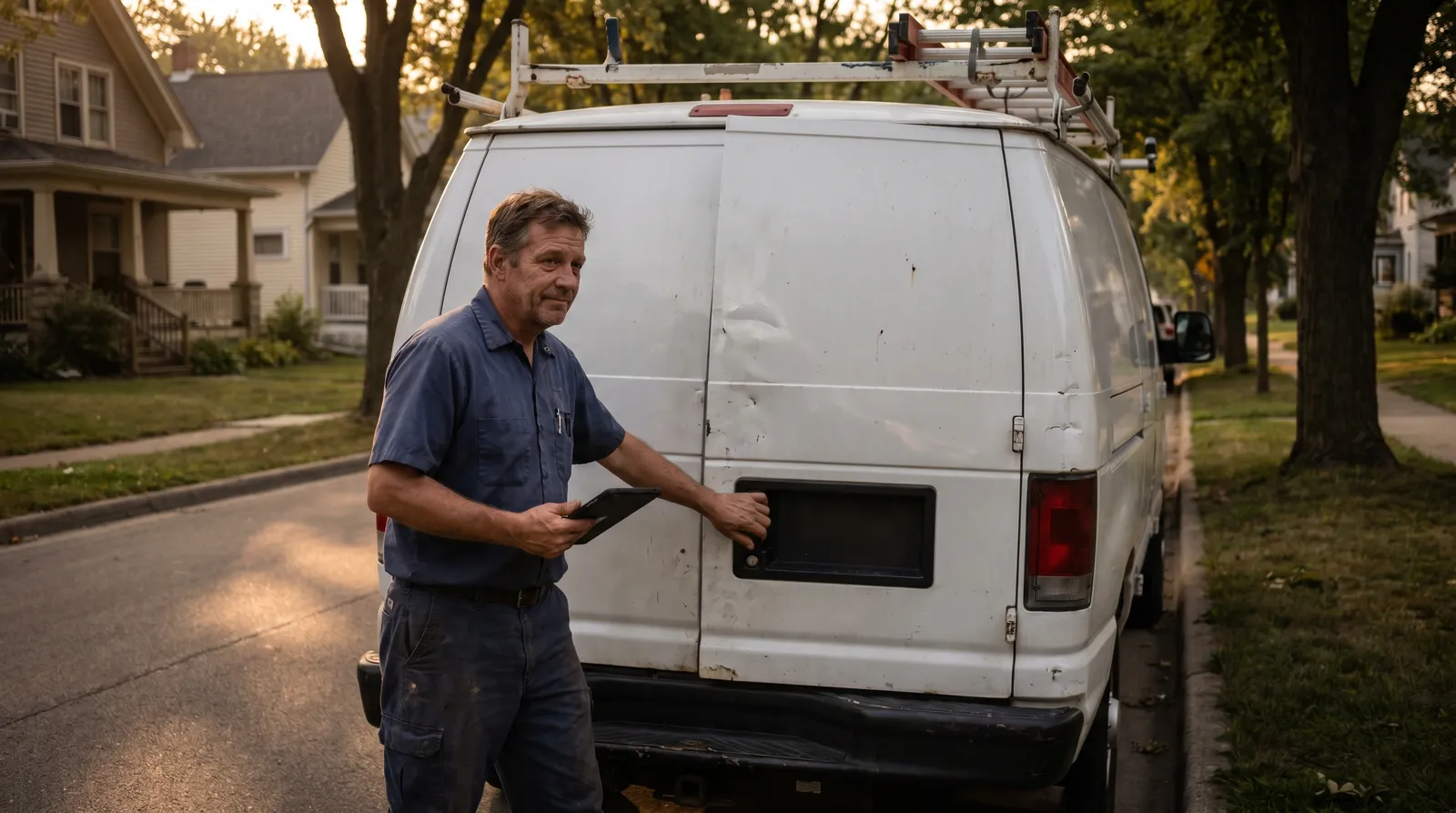
Here is the thing nobody ranking for "AI for HVAC companies" will tell you: every one of them is trying to sell you their software.
Go look. The top results are ServiceTitan, Housecall Pro, BuildOps, and a dozen AI-answering startups. The content is mostly accurate. But every article ends the same way, at a "Book a Demo" button. They are not wrong about AI. They are just not neutral about it.
I am. I have nothing for you to install. I run an AI advisory practice, and the only thing I sell is a 45-minute look at your actual business. So this guide does what the vendor pages cannot: it names real tools, lists real monthly costs, tells you where AI helps an HVAC shop and where it is a waste of money, and points you at the one or two workflows worth fixing first.
The short version: AI is worth real money to an HVAC company in four places: missed calls, scheduling, invoicing, and the writing that piles up. The starter stack costs about $110-165 a month, most of it stuff you already pay for. The predictive-maintenance, AI-diagnostics future is real but built for enterprise fleets, not a shop with 12 techs. Start with the boring admin work. That is where the hours are.
They are not wrong about AI. They are just not neutral about it. Every vendor article ends at a "Book a Demo" button.
The four places HVAC owners lose the most time
Before you look at a single tool, look at your week.
In a small HVAC shop, time leaks out of four spots. I have watched the same pattern across trades businesses for years, and the SERP data backs it up: the office team in a typical shop burns 5-7 hours a week just on the phone and email churn alone.
Here is where it goes:
- Missed and after-hours calls. Every call that hits voicemail is a job that might call your competitor next. The numbers on this are brutal, more on that below.
- Scheduling, rescheduling, and dispatch. Confirming appointments, reminding customers, shuffling techs when a job runs long, resurfacing the call that fell through the cracks.
- Invoicing and payment follow-up. Generating the invoice, sending it, then chasing the ones that sit unpaid for 30 days.
- The writing. Review responses, quote follow-ups, job descriptions, seasonal emails. None of it is hard. All of it eats afternoons.
AI is genuinely good at all four. Not because it is smart, but because these tasks are repetitive and rule-based, which is exactly what these tools handle well. Let me take them one at a time, with what each costs.
AI phone answering: the highest-ROI tool for most HVAC shops
If you do one thing after reading this, do this one.
A study of 130,175 calls across 45 contractors found that 74% of calls went completely unanswered. Three out of four. Every one of those is a homeowner with a problem who is now dialing the next shop on Google.
of calls went completely unanswered across 130,175 calls and 45 contractors. Each missed call is worth $150-$400; an emergency call, $500-$900.
Put a dollar figure on it. Each missed call is worth $150-$400 in lost job revenue on average. A missed emergency call, the 95-degree-day, my-AC-just-died call, runs $500-$900. During a summer heat wave, your phone rings off the hook and your office manager physically cannot pick up every line.
This is what AI answering services fix. They pick up every call, 24/7, qualify the caller, book the job into your calendar, and log the contact. They convert 20-35% more after-hours inquiries into booked jobs than voicemail does, because customers book instead of hanging up.
The cost is almost a rounding error. Most AI answering services run $25-$69 a month for a small shop. Higher-volume flat-rate plans land around $199/month for unlimited calls, which matters for a seasonal business, because per-call pricing punishes you exactly when you are busiest. Compare any of that to a human answering service at roughly $1,200/month.
The math is not subtle. At $49/month, capturing one $3,500 job you would otherwise have missed pays for the service for 17 months.
The honest caveat: AI answering is excellent at routine intake and booking. It is not good at complex quotes, judgment calls, or a frustrated repeat customer who needs to hear a human voice. Any AI that touches your customers needs a clean handoff to a person the moment it hits its limit. Set that up before you turn it loose. The vendors selling "fully autonomous AI receptionists" are overpromising. Use it for the routine 70%, keep a human on the hard 30%.
Scheduling and dispatch: what AI can actually do (and what it can't)
This is where I have to be careful, because the word "AI" gets stretched a lot here.
There are two different things people mean by "AI scheduling," and they cost wildly different amounts.
The version you already pay for. If you run Jobber or Housecall Pro, and most small shops do, at $65-75/month, you already have automated appointment confirmations, customer reminders, and one-click rescheduling. This is not flashy AI, but it is automation, and most owners have never turned it all on. Before you spend a dollar on anything new, log in and look at the features sitting dark in your settings. There are 2-3 hours a week back in there for free.
The version that's genuinely AI dispatch. True AI dispatch auto-assigns the right tech to each job based on skill, location, availability, and current workload, then re-optimizes the route as the day changes. ServiceTitan does this. So do newer tools like FieldCamp. At real volume, 30 or more jobs a day, this recovers 10-15 dispatcher hours a week.
Here is the honest fit guidance no vendor page gives you: ServiceTitan is the enterprise option, and for a 10-15 tech shop it is usually overkill. Setup runs $30,000-plus and per-user fees climb above $130/month, versus under $100/month total for a small-shop tool. It is the right call for a 50-tech operation. It is the wrong call for most readers of this article.
So the decision is simple. Under roughly 30 jobs a day? Turn on the automation in the software you already have. Above that, with a dispatcher drowning? Then AI dispatch starts to earn its keep.
Invoicing and payment follow-up: the revenue you're leaving on the table
This one is pure cash flow, and it is the least sexy item on the list, which is exactly why it gets ignored.
Two jobs here. First, generating the invoice. Both Housecall Pro and Jobber let a tech build the invoice and take payment on a mobile card reader before they pull out of the driveway. No paperwork waiting back at the office.
Second, and this is the bigger one, chasing the invoices that go unpaid. Automated reminders at 3, 7, and 14 days, sent without anyone remembering to send them. Jobber embeds a "Pay Now" button right in the text and email so the customer pays in under 30 seconds. Businesses using automated billing report getting paid 3x faster than the ones doing it by hand.
Run the cash-flow math on your own shop. If you carry $40,000 in receivables and automation moves your average payment from 30 days to 10, that is real money back in your account 20 days sooner, every cycle. For a $450 blower-motor job, getting paid the day of the work instead of a month later is a 100% improvement in how fast that cash lands.
You are almost certainly already paying for the software that does this. The feature is sitting there. Turn it on.
ChatGPT for the writing that piles up
Not "use AI to write your marketing." Something more specific than that.
There is a category of writing in every HVAC business that follows a pattern: review responses, follow-up emails to quotes that went quiet, job descriptions for a new hire, the seasonal "time for your fall furnace check" email. None of it is creative work. All of it is the kind of task you put off until Sunday night.
ChatGPT or Claude, $20/month, does a credible first draft of any of it in 30 seconds. You edit for two minutes. A review response that used to take you 10-15 minutes of getting the tone right now takes 2-3.
The trick is the prompt. Vague in, vague out. Here is a format that works for review responses:
"I own an HVAC company in Tampa. Write a reply to this Google review. Tone: warm, professional, not defensive. Thank them, reference the specific service, invite them back. Here's the review: [paste the review]."
Specific business, specific output, specific tone, specific context. You get something you can post with one small edit. Compare that to "help me respond to reviews," which gets you a lecture about the importance of customer feedback.
Same format works for a quote follow-up: tell it the job, how long ago, the tone you want, and it drafts the email. The writing was never the bottleneck. Sitting down to start it was. AI removes the blank page.
The honest picture: what AI doesn't replace in an HVAC business
Every vendor article skips this section. I am putting it in the middle, because it is the part that builds trust, and the part that keeps you from wasting money.
AI does not replace:
- Diagnostic judgment. A tech standing in front of a 15-year-old system making a noise the manual does not describe, that is experience, not pattern-matching. AI diagnostic tools can surface a service history and likely failure points, and that genuinely helps a newer tech. They do not replace the call.
- Complex estimates. A full system replacement with ductwork and load calculations is judgment plus relationship plus reading the customer. AI drafts the boilerplate. It does not own the number.
- Repeat commercial relationships. The property manager who sends you every building they own stays because of trust you built over years. No tool touches that.
- The hard dispatch calls. When two emergencies hit at once and you have one senior tech, that is a human decision about which customer and which job. AI optimizes the routine. You make the exceptions.
The shops that get burned are the ones that try to hand AI the judgment work because a demo made it look easy. AI multiplies the people you already have. It does not replace the reason customers call you specifically. Use it on the repetition. Keep your hands on the judgment.
How to know where to start in your specific business
So you have four options and a limited weekend. Where do you actually begin?
The framework is one question: which workflow takes the most time, and happens the most often? That intersection is your first project. Not the most interesting one. Not the one with the slickest demo. The one bleeding the most hours.
For most shops, that is the phone. If calls are going to voicemail and you are seasonal, start with AI answering, it is the cheapest tool with the fastest payback. If your calls are handled but your dispatcher is drowning, look at the scheduling automation you already own before buying anything. If cash flow is the pain, turn on automated invoicing this week. (How many hours each workflow typically returns for a service business is laid out in detail here.)
Pick one. Wire it into how you actually work. Use it for four weeks before you add a second. The owners who get nothing out of AI are the ones who set up five tools in a weekend and abandon four by month's end. The owners who get hours back do one thing deeply.
And here is the part the four workflows above can't tell you on their own: which one is your biggest leak. That answer is specific to your call volume, your quoting process, your billing setup, your team. A blog post, even a good one, can hand you the map. It cannot read your particular terrain.
That is the gap the 45-Minute AI Assessment closes. One recorded call, where someone looks at your actual workflows and hands you a shortlist of 3-7 specific moves worth making, and a 4-day plan to get the first one running. Not generic advice. Your business specifically. You get 5+ hours a week back, or you get a full refund.
If you are not sure you need that yet, the free AI Scorecard quiz places you on a five-stage operational scale and tells you what is realistic to expect at your current stage. Two minutes, no email gymnastics.
But you do not need either to start. Pick the workflow that bleeds the most hours. Fix that one this month. Come back for the next.
Related reading:
- Where to Start With AI When You're Too Busy to Figure It Out
- AI for Plumbing Businesses: Save 8+ Hours a Week on Admin
- How to Save 5+ Hours a Week as a Service Business Owner (Using AI)
- Is AI Worth It for a Small Business? An Honest Answer With Real Numbers
- Take the free AI Scorecard, find out where you actually stand (2 minutes)
External references:
Frequently asked questions
How are HVAC companies using AI?
Most small HVAC shops use AI in four places: answering calls they would otherwise miss, scheduling and dispatching jobs, generating invoices and chasing unpaid ones, and drafting the writing that piles up (review responses, quote follow-ups, seasonal emails). The high-end stuff (predictive maintenance, AI diagnostics) is real but mostly built for enterprise fleets. For a 10-to-30-tech shop, the money is in the boring admin work, not the futuristic features.
What AI tools are best for small HVAC businesses?
For most small shops: an AI phone-answering service ($25-$69/month) to stop losing missed calls, your existing field service software (Jobber or Housecall Pro, $65-75/month) for scheduling and automated invoicing, and ChatGPT or Claude ($20/month) for writing. That is the whole starter stack, roughly $110-165/month. ServiceTitan is powerful but usually overkill for shops under 20 techs, with setup running $30,000+ and per-user fees above $130/month.
How can AI help my HVAC company grow?
The fastest growth lever is not a new marketing tool. It is answering the calls you already get. One study of 130,175 calls across 45 contractors found 74% went unanswered. Each missed call is worth $150-$400, and a missed emergency call $500-$900. An AI answering service that catches even a fraction of those pays for itself in a single recovered job. Growth here is plugging the leak, not turning on a faucet.
Is AI software worth it for a small HVAC contractor?
For repetitive, rule-based work (answering routine calls, sending invoices, chasing payments, drafting standard emails) yes, and usually fast. The honest math: a $49/month AI answering service that recovers one $3,500 job pays for itself for 17 months. But AI is worth nothing if it is not wired into how you actually work. The tool is the easy part. Knowing which workflow to point it at is the part most owners get wrong.
How do I automate scheduling for my HVAC business?
Start with what you already pay for. Housecall Pro and Jobber ($65-75/month) handle automated appointment confirmations, customer reminders, and one-click rescheduling, features most owners never switch on. True AI dispatch that auto-assigns the right tech by skill, location, and workload exists (ServiceTitan, FieldCamp), and at 30+ jobs a day it can recover 10-15 dispatcher hours a week. Below that volume, the automation already sitting in your current software is where to start.
What does AI phone answering cost for a small HVAC company?
Most AI answering services run $25-$69/month for small shops, with flat-rate unlimited plans around $199/month for higher call volume. Compare that to a human answering service at roughly $1,200/month or a missed call worth $150-$400. For a seasonal HVAC business, flat-rate AI is usually the cheapest reliable way to make sure no call hits voicemail during a summer heat wave.