Trades
AI for Dental Practices: The Admin Hours You Can Actually Get Back
Not the clinical kind. The four front-desk tasks eating your team's time and the $50-150/month tools that fix each one, from an advisor with nothing to sell you.
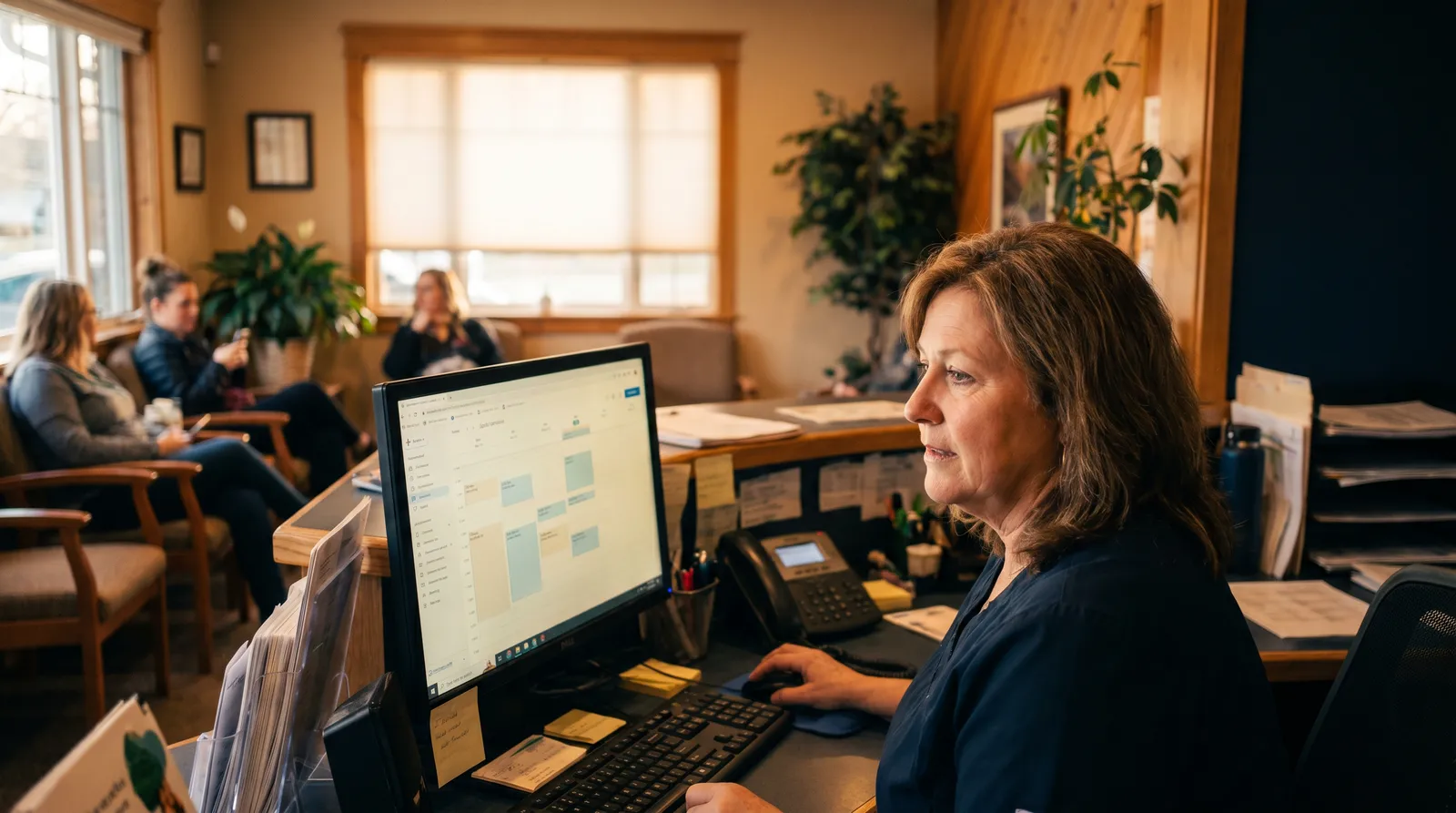
Search "AI for dental practice" and you'll drown in one thing: clinical AI. Software that reads x-rays, flags cavities, scores periodontal disease. It's real, it's impressive, and it's almost certainly not your biggest problem on a Tuesday morning.
Your biggest problem is the phone.
This guide is not about clinical AI. It's about the administrative side of running a practice: scheduling, reminders, insurance, follow-up, the writing nobody budgets time for. The work that doesn't require a dental degree but quietly eats 2-3 hours a day at the front desk. That's where most 2-4 chair practices have the fastest, clearest payback. And almost nobody writes about it honestly, because the people who do are usually selling one specific tool.
I'm not. So here's the straight version.
The short answer: Four admin tasks eat most of your front desk's time: scheduling, insurance, patient follow-up, and routine writing. Each one has a tool that handles the repetitive part for $50-200 a month. Start with scheduling. It has the highest time drain and the clearest return.
Search "AI for dental practice" and you'll drown in clinical AI. But your biggest problem on a Tuesday morning is the phone.
A quick word on clinical AI (and why this guide skips it)
Overjet, Pearl, Videa: these read radiographs and assist diagnosis. They're worth understanding. They're also $300-500+ a month, they touch patient care, and they deserve a separate, careful evaluation with your associates and your PMS vendor, not a blog post.
So I'm setting them aside on purpose. Clinical AI is a clinical decision. This guide stays on the admin side because that's where a small practice gets hours back in the first 30 days, not the first year.
If you came here for diagnostic AI, that's a different conversation. Everything below is about the front office.
The four admin tasks eating your front desk
Before any tool, name the problem. In most small practices, front-desk time pools in four places:
- Scheduling and confirmations. Calling to confirm tomorrow's column. Chasing no-shows. Filling the gap when someone cancels at 8 a.m.
- Insurance. Verifying eligibility before the appointment. Following up on claims. Re-checking benefits a patient swears they have.
- Patient follow-up. Six-month recall reminders. Treatment-plan nudges for the crown someone keeps putting off. Review requests after a good visit.
- Front-desk writing. Responding to Google reviews. Welcome emails for new patients. The occasional insurance-denial letter.
None of these need clinical judgment. All of them get done by hand in most offices. That's the opportunity. (The same question applies to any service business starting with AI: which of these four costs you the most time?)
Here's the order I'd fix them in, and why.
Scheduling: the highest-ROI fix for most practices
Start here. Always.
A front desk in a three-chair practice spends 2-3 hours a day on scheduling-related calls: confirmations, reschedules, the back-and-forth of finding a slot. Automating most of that is the single biggest hour-for-hour return you'll find.
Three pieces matter:
Automated reminders. Text and email confirmations sent without anyone lifting the phone. This isn't exotic. It's the lowest-effort, highest-return change in the building. A study of over 1.6 million appointments found automated reminders cut no-shows by roughly 23%. Other practices report drops closer to 40% when they pair a reminder with one personal call for high-value appointments. With the average practice losing six figures a year to missed appointments, even a modest dent pays for the tool many times over.
fewer no-shows from automated reminders across 1.6 million appointments, climbing toward 40% when paired with one personal call.
Online scheduling. Real-time slot availability patients can book themselves, nights and weekends, without calling. Every booking that happens while your office is closed is a call your team didn't have to take.
Cancellation waitlists. When the 9 a.m. cancels, the system texts the waitlist and auto-fills the gap. That's revenue you were quietly losing every week.
The tools here are dental-specific for a reason. Adit and Weave are built to plug into the practice management software you already run. If you're a smaller office not tied to a full PMS, a general scheduler like Acuity can cover the basics. I'm not telling you which one, that depends on your setup. I'm telling you this is where to spend the first dollar.
Realistic result: automation takes 60-80% of the routine scheduling volume off the front desk. The complex calls still go to a person. The repetitive ones stop.
Insurance: where AI saves real dollars, not just minutes
This is the one that surprises owners.
Verifying a single patient's eligibility by hand, calling the carrier, sitting on hold, reading the benefits, takes 15 to 30 minutes. For a practice seeing 25-30 patients a day, that's hours of staff time, every day, before a single cleaning happens.
AI-driven eligibility tools pull that same information directly from the payer in under a minute. The honest range I've seen reported: verification drops from 15-30 minutes per patient to under 5, and practices commonly reclaim close to two staff-days a week within the first month.
That's not a time saving. That's a half-position's worth of capacity you get back without hiring.
One caveat, because the vendors won't say it: these tools assume a clean, standard plan. Messy or unusual coverage still needs a human to read it correctly. AI is excellent at the routine 80%. Treat the other 20% as a person's job, not a failure of the software.
Patient follow-up: at scale, without sounding like a robot
Recall is where practices leak revenue slowly. The six-month cleaning nobody booked. The treatment plan that stalled. The happy patient who never got asked for a review.
AI handles the chase. Recall reminders, treatment-plan follow-ups, post-visit check-ins, review requests, drafted and scheduled automatically. Weave is the dental-specific option here; general-purpose tools do it for less if you're price-sensitive.
The framing that matters: AI drafts and schedules; a human can still approve before anything sends. That keeps the personal touch you're rightly protective of while removing the manual labor of remembering, typing, and sending one message at a time. You're not handing the relationship to a machine. You're handing it the reminder list.
The writing work nobody budgets for
This is the smallest line item and the easiest win, so it's worth naming.
Every week, someone at the front desk writes things: a response to a Google review, a welcome email for a new patient, the same insurance-denial explanation for the third time this month. A thoughtful review response takes 15 minutes if you're trying to get the tone right. ChatGPT or Claude does a usable first draft in seconds.
You edit it, that's the part that keeps it human, and you're done in three minutes.
Here's a prompt that works for a review response:
"You're the office manager at a family dental practice. Write a warm, professional reply to this Google review. Thank them, keep it under 60 words, don't mention specific treatment. Here's the review: [paste it]."
Specific role, specific output, specific limits, specific input. That format gets you a 90% draft on the first try. Build a small library of these, review responses, recall messages, new-patient emails, and the writing work mostly disappears.
Can AI replace your front desk? No. Here's the honest line.
I want to be direct, because this is the fear under every question.
AI does not replace your front-desk person. It replaces specific tasks inside that job: the after-hours call, the confirmation text, the first-pass insurance check, the reminder nobody sent. What stays human is everything that needs judgment or a relationship: the nervous patient who needs reassurance, the complicated appeal, the family you've treated for 15 years.
The realistic goal isn't fewer people. It's the same people doing work that actually requires a person, instead of dialing the same carrier for the fourth time today.
Any tool that touches patients also needs a clean handoff to a human the moment it hits its limit. An AI receptionist that can't answer a question should route the call, not guess. Build that handoff before you turn anything on.
Where to start in your practice
You don't need all four at once. You need a sequence.
- Scheduling first. Highest time drain, clearest return, and your PMS may already include reminder features you've never switched on. Check the settings menu before you buy anything.
- Insurance second. Biggest dollar impact once scheduling is calmer. This is where you free up real capacity.
- Follow-up and recall third. Steady revenue recovery, lower urgency.
- Writing whenever. It's a same-day win you can start this afternoon with a tool you already have.
The catch is integration. The right answer depends almost entirely on what you already run: Dentrix, Eaglesoft, Open Dental, Curve. A tool that doesn't sync with your patient records doesn't save time; it creates double-entry. That's the detail generic advice always skips, and it's the one that decides whether any of this actually works for you.
I didn't learn this in dentistry. Before The Owner's Method, I helped build Fields Residential, a team of five that did over $100 million in new-construction homes. The way five people ran that was by asking one question of every workflow: is a person doing this by hand when a tool could do it faster? Investor fundraising went from days of calls to a one-click email. Contracts went from hours to minutes. Different industry, identical discipline. The owner's eye travels. A front desk confirming appointments by phone is the same problem as a partner generating contracts by hand: repetitive, rule-based, and quietly expensive. (For the breakdown of how much time each admin workflow returns when automated, those numbers hold across service businesses of every type.)
If you want someone to map this to your actual software and your actual front-desk day, not a generic tool list, that's the 45-Minute AI Assessment. A recorded call, a curated shortlist of 3-7 moves built around what your practice already runs, and a four-day plan to get the first one live. $999, full refund if we can't find you 5+ hours a week.
Not sure you're there yet? The free AI Scorecard quiz tells you where your practice stands and what's realistic to expect at your stage. Two minutes.
Related reading:
- Where to Start With AI When You're Too Busy to Figure It Out
- How to Save 5+ Hours a Week as a Service Business Owner (Using AI)
- Is AI Worth It for a Small Business? An Honest Answer With Real Numbers
- How Much Does AI Consulting Cost for a Small Business?
- Take the free AI Scorecard, find out where your practice actually stands (2 minutes)
External references:
Frequently asked questions
How can AI help a dental practice?
On the admin side, AI helps with four things: appointment reminders and online scheduling that cut no-shows, insurance eligibility checks that drop from 15-30 minutes per patient to under 5, patient recall and follow-up messages sent automatically, and front-desk writing like review responses and welcome emails. These are the tasks that don't need clinical judgment but eat 2-3 hours a day at a busy front desk. Clinical AI (radiology and diagnostics) is a separate decision.
What AI tools are used in dentistry?
There are two categories. Clinical AI reads x-rays and flags issues: Overjet, Pearl, and Videa, usually $300-500+ a month. Admin AI handles the front office: practice management platforms like Adit and dental-specific communication tools like Weave run reminders, online booking, and recall; AI receptionists answer and book calls; insurance-verification tools pull eligibility automatically; and ChatGPT or Claude draft routine writing. Most 2-4 chair practices get faster ROI from the admin tools.
How do dental offices use AI to save time?
The biggest wins are automating what the front desk does by hand. Automated text and email reminders cut no-shows: studies show reductions of 23% up to roughly 40% when reminders are paired with a personal call. AI insurance verification pulls eligibility in under a minute instead of 15-30 minutes on hold. AI receptionists answer routine calls and book appointments. And AI drafts review responses and patient emails in seconds. Together that's often 2-3 hours a day back.
Can AI replace dental receptionists?
No, and you don't want it to. AI handles the routine, repeatable parts of the front-desk job: after-hours calls, appointment confirmations, reminder texts, first-pass insurance checks. The judgment, the anxious-patient phone call, the complicated insurance appeal, the relationship with a family that's been coming for 15 years: that stays human. The realistic goal is removing the repetitive volume so your front desk can do the work that actually needs a person.
How much does dental practice management software cost?
Core practice management platforms (Dentrix, Eaglesoft, Open Dental, Curve) run roughly $150-600+ a month depending on size and whether it's cloud-based. AI communication add-ons like reminders, online scheduling, and recall typically add $50-200 a month. Standalone AI receptionists and insurance-verification tools range from about $100-400 a month. Clinical AI (radiology) is separate, usually $300-500+. Most admin-side AI for a small practice lands in the $50-200/month range on top of software you already pay for.
What is the best scheduling software for a dental office?
The best one is usually whatever integrates with the practice management software you already run: Dentrix, Eaglesoft, Open Dental, or Curve. Dental-specific tools like Adit and Weave are built to plug into those systems and handle reminders, online booking, and recall in one place. If you're a smaller office not tied to a full PMS, a general scheduler like Acuity can work. Integration matters more than features. A tool that doesn't sync with your patient records creates double-entry, not time savings.